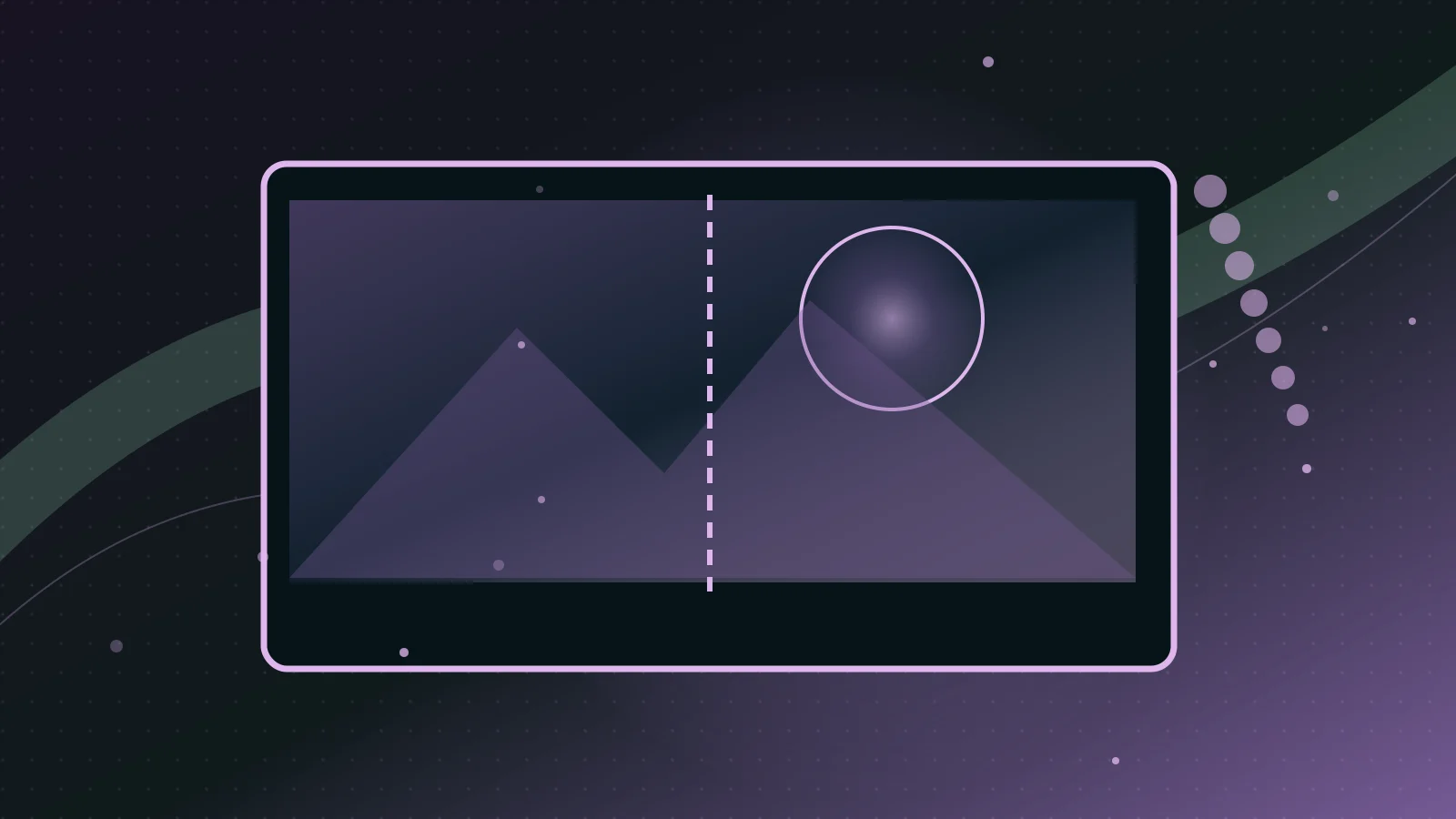
Original editorial illustration for this topic. Not an official product screenshot or a depiction of the exact reported event.
Background removal segments the subject from its surroundings and produces a mask. The hard part is not a simple solid edge; it is hair, glass, mesh, motion blur and soft shadows. An automatic mask may discard thin objects or leave a bright halo from the original scene.
What to evaluate before choosing a tool
Choose the output based on use. For a marketplace listing you might need a true white background; for a composited design you need transparency with an alpha channel. Keep a believable contact shadow where appropriate, because a perfectly cut-out object without grounding can appear to float.
Step-by-step workflow
- Use the highest-quality source that shows the full subject without cropping.
- Run background removal and inspect the mask on white, black and contrasting colors.
- Refine wispy edges manually; check handles, cables, transparent glass and fabric.
- Keep or recreate a contact shadow on a separate layer if the design calls for one.
- Export a PNG when transparency is required; export a JPG only after a background has been added.
Practical example
Here is an original example you can adapt to your own project. Its wording is a starting point, not a guarantee of a particular result.
Common mistakes and limitations
A white-looking JPG is not a transparent image. Avoid uploading client photos without permission, and recheck brand colors if you alter the surrounding scene.
When this approach makes sense
Spend extra time on the outline. Clean edges often matter more to a professional product listing than the sophistication of the AI model.
Frequently asked questions
What format keeps transparency?
PNG commonly supports transparent pixels; standard JPG does not.
Why is there a halo around the subject?
The mask may retain color contamination from the previous background; refine or decontaminate the edge.
Official sources and documentation
These primary references describe the products and concepts used in this guide. They are not evidence that Runway Presstoday independently tested every feature.